Mote
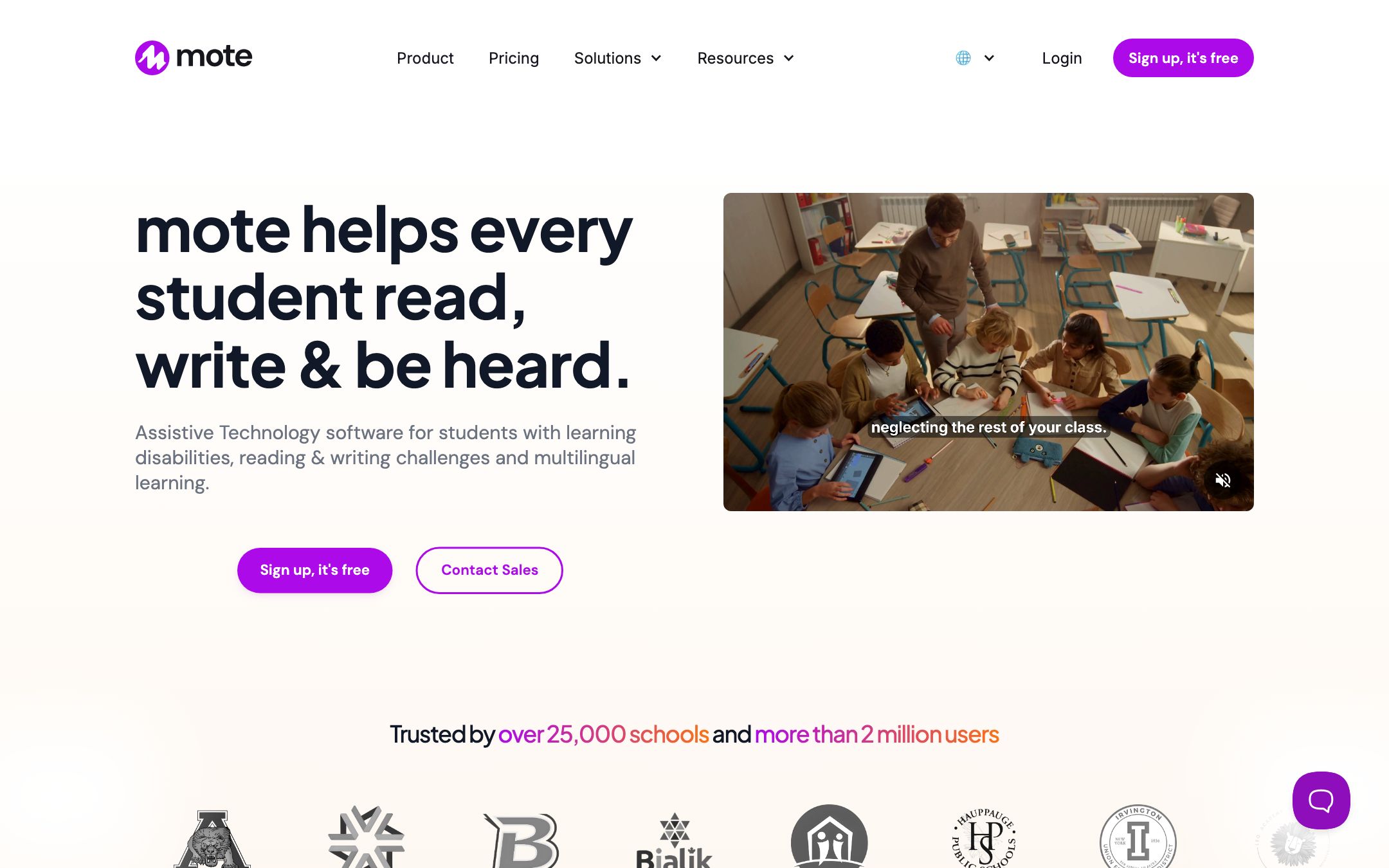
Assistive-tech sidebar — Read Aloud with human voices, translate to 60+ languages, voice notes and text prediction — for inclusive Google and Canvas classrooms.
TL;DR
Mote quietly pivoted from "voice grading tool" to a full assistive-tech sidebar — Read Aloud with human-like voices, screen mask, dictionary, text prediction and 60+ language translation now sit alongside the original voice notes. With Canvas SpeedGrader, iPad app and a $1,500/year flat-rate building license, the old "Google-only browser tool" framing is out of date.
Recommend it if
You teach an inclusive classroom — multilingual families, dyslexic learners, SPED students — and want one Chrome sidebar that covers Read Aloud, translation and voice feedback across Docs, Forms, Slides and Canvas.
Skip it if
You're on an LMS other than Google Workspace or Canvas (Schoology, Blackboard, etc.), or you need an SOC 2 Type II attestation in writing for procurement.
Quick facts
- Platforms
- ChromeEdgeiOS app
- Languages
- English source; 60+ translation outputs
- School fit
- K-5 6-8 9-12 Higher Ed
- Subjects
- All — strongest for SPEDELL and writing-feedback subjects
- Time to first output
- < 2 min
- Learning curve
- Easy
- Setup
- Install the Chrome or Edge extension; sign in with Google, Email or ClassLink
- Works offline
- —
Real-world use cases
How a teacher, student or parent actually puts this tool to work.
| Who | Scenario | Time | Output |
|---|---|---|---|
| Students | A dyslexic 8th-grader opens any webpage, turns on moteSidebar Read Aloud with Screen Mask, and the system reads aloud line-by-line with the rest of the page dimmed — no copy-paste into a separate TTS tool. | < 1 min setup | Independent reading session, no teacher intervention |
| Teachers | Sunday-night essay-grading marathon — speak feedback into 28 student drafts in 90 minutes instead of typing for 4 hours; works in both Google Docs and Canvas SpeedGrader. | 3 min/essay | Voice-annotated drafts across two LMSes |
| Teachers | Send a parent-conference summary as a Mote voice note; Mote auto-transcribes, translates to Spanish, and re-synthesises audio — the parent listens in their language on their phone. | 5 min | Translated voice update for ELL families |
- Students
A dyslexic 8th-grader opens any webpage, turns on moteSidebar Read Aloud with Screen Mask, and the system reads aloud line-by-line with the rest of the page dimmed — no copy-paste into a separate TTS tool.
- Time
- < 1 min setup
- Output
- Independent reading session, no teacher intervention
- Teachers
Sunday-night essay-grading marathon — speak feedback into 28 student drafts in 90 minutes instead of typing for 4 hours; works in both Google Docs and Canvas SpeedGrader.
- Time
- 3 min/essay
- Output
- Voice-annotated drafts across two LMSes
- Teachers
Send a parent-conference summary as a Mote voice note; Mote auto-transcribes, translates to Spanish, and re-synthesises audio — the parent listens in their language on their phone.
- Time
- 5 min
- Output
- Translated voice update for ELL families
Mote quietly pivoted from “voice-comments tool” to a full assistive-tech sidebar. The headline product is now moteSidebar — three modes (Reading Support, Writing Assistance, Content Creation) that bundle Read Aloud with human-like voices, Translate in 60+ languages, Dictionary, Screen Mask, Text Prediction and Speech-to-text.
The original voice-comments product is still there (moteClassic), and it now embeds in Canvas SpeedGrader as well as Google Classroom. There’s also an iPad / iPhone app and a flat-rate $1,500/year building license for up to 1,200 seats — which makes the old “Google-only Chrome tool, expensive at scale” framing flat-out wrong.
When it pays for itself in week one
- You have multilingual families and currently retype announcements in 3 languages
- You have dyslexic or SPED students who skip written feedback and assignments
- You grade 25+ essays per week in Google Docs or Canvas SpeedGrader
- You teach Google Forms quizzes and want Read Aloud built into the questions
What we like
- + moteSidebar bundles AT essentials in one panel — Read Aloud with human-like voices, Translate, Dictionary, Highlighter, Screen Mask, Text Prediction, Speech-to-text
- + Translation now covers 60+ languages for both web text and voice-note transcripts; works inside Google Forms with Locked Mode
- + Canvas SpeedGrader integration added — voice feedback no longer Google-only; embeds also work in Canva, Wakelet and Google Sites
- + iPad / iPhone app and web recorder mean Mote is no longer Chrome-only
- + School-building license is $1,500/year for up to 1,200 seats — a rare flat-rate for whole-school AT
Heads up
- − Free tier hard-caps at 20 voice notes/month and 1-minute length — the AT consumption features (Read Aloud, Translate) are free, but voice creation is heavily gated
- − Individual paid jumped to $59.40/year (up from earlier $39) and the multi-class / analytics features now sit behind multi-seat plans
- − Polish is still deepest inside Google Workspace; Canvas SpeedGrader works but other LMSes are unsupported
- − No public SOC 2 attestation — FERPA/COPPA/GDPR/DPF coverage is documented, SOC 2 status is not
Pricing breakdown
Pricing
Verified directly on the vendor site. We re-check every quarter.
Free
- · moteSidebar AT tools (Read Aloud with human voices, Translate, Dictionary)
- · 20 voice recordings/month, 1-minute limit
- · Speech-to-text transcription
- · Google Docs / Slides / Forms / Classroom commenting
- · Google + Email login
Individual
Most useful- · Unlimited voice recordings with 5-minute limit
- · Motebook voice comment bank (save & re-use)
- · Translate web text + voice-note transcripts in 60+ languages
- · Canvas SpeedGrader, Canva, Wakelet embeds
- · Sticky motes (record on any URL)
School building
Most useful- · Everything in Individual for the whole building
- · Create multiple classes — monitor and manage student usage
- · Class Usage Analytics + seat management
- · Add users by Email, CSV or domain enablement
- · ClassLink login
District / multi-site
- · Everything in School building, scaled across sites
- · ClassLink SSO
- · Domain enablement at district scope
- · Dedicated support and PD options
- · Renewal-quote workflow
Privacy & compliance
Privacy & compliance
What we found in the vendor's terms, DPA, and trust center. Verify with your district before deploying.
- FERPA
- Compliant
- SOC 2
- Unclear
- COPPA
- Compliant
- GDPR
- Compliant
- Trains on your data
- No
- Data retention
- User-generated content (voice notes, transcripts) is auto-deleted on the one-year anniversary of creation. Notes can also be deleted on request at any time.
- Hosting regions
- US · EU · UK · AU
COPPA + FERPA + GDPR + EU-U.S. Data Privacy Framework (with UK Extension) + Australian Privacy Act all covered per the published privacy policy. For student accounts, Mote strips email addresses and device IPs before any third-party sharing and excludes students from marketing communications. SOC 2 attestation is not publicly disclosed.
Works with
- Google Docs
- Google Slides
- Google Forms (with Read Aloud + Locked Mode)
- Google Classroom
- Google Sheets
- Google Sites
- Gmail
- Canvas SpeedGrader
- Canva
- Wakelet
Frequently asked questions
Frequently asked questions
Did Mote stop being just a voice-comments tool?
Yes. The headline product is now moteSidebar — a three-mode assistive-tech panel (Reading Support / Writing Assistance / Content Creation) with Read Aloud, Translate, Dictionary, Highlighter, Screen Mask, Text Prediction and Speech-to-text. The original voice-comments product (moteClassic) is still there, but it's no longer the lead.
Does Mote work with Canvas now?
Yes — Canvas SpeedGrader integration is supported across paid tiers. Voice feedback embeds directly into SpeedGrader assignments. Mote also embeds audio in Canva, Wakelet and Google Sites. It is still Google-centric overall, but no longer Google-exclusive.
How do the pricing tiers actually compare?
Free gives you 20 voice notes/month at 1 minute each but full access to the AT consumption tools (Read Aloud, Translate, Dictionary). Individual is $59.40/year for unlimited 5-minute notes plus Motebook and Canvas. The School building plan is the standout — $1,500/year flat for up to 1,200 seats — usually cheaper than per-teacher pricing once a building has 30+ teachers.
Is the auto-translation good enough for parent communication?
Strong for the major languages (Spanish, Vietnamese, Mandarin, Arabic, French, Portuguese). Less polished for low-resource languages — verify with a native-speaker colleague before sending high-stakes communication. The translated audio uses neural TTS, not the teacher's actual voice.
Is Mote SOC 2 certified?
Not publicly disclosed. The published privacy policy documents FERPA, COPPA, GDPR, EU-U.S. Data Privacy Framework (with UK Extension) and Australian Privacy Act compliance, plus student-data scrubbing and 1-year UGC auto-deletion, but does not advertise SOC 2 Type I or Type II. Ask sales for an attestation letter if your procurement requires it.
Tags
You might also like
When to pick it
Brisk Teaching
★Chrome Extensions
Classroom Intelligence — AI that lives inside the Google and Microsoft tools you already use, plus a web app for cross-class planning and batch feedback.
You want an extension that generates the written feedback itself, not just records voice.