Brisk Teaching
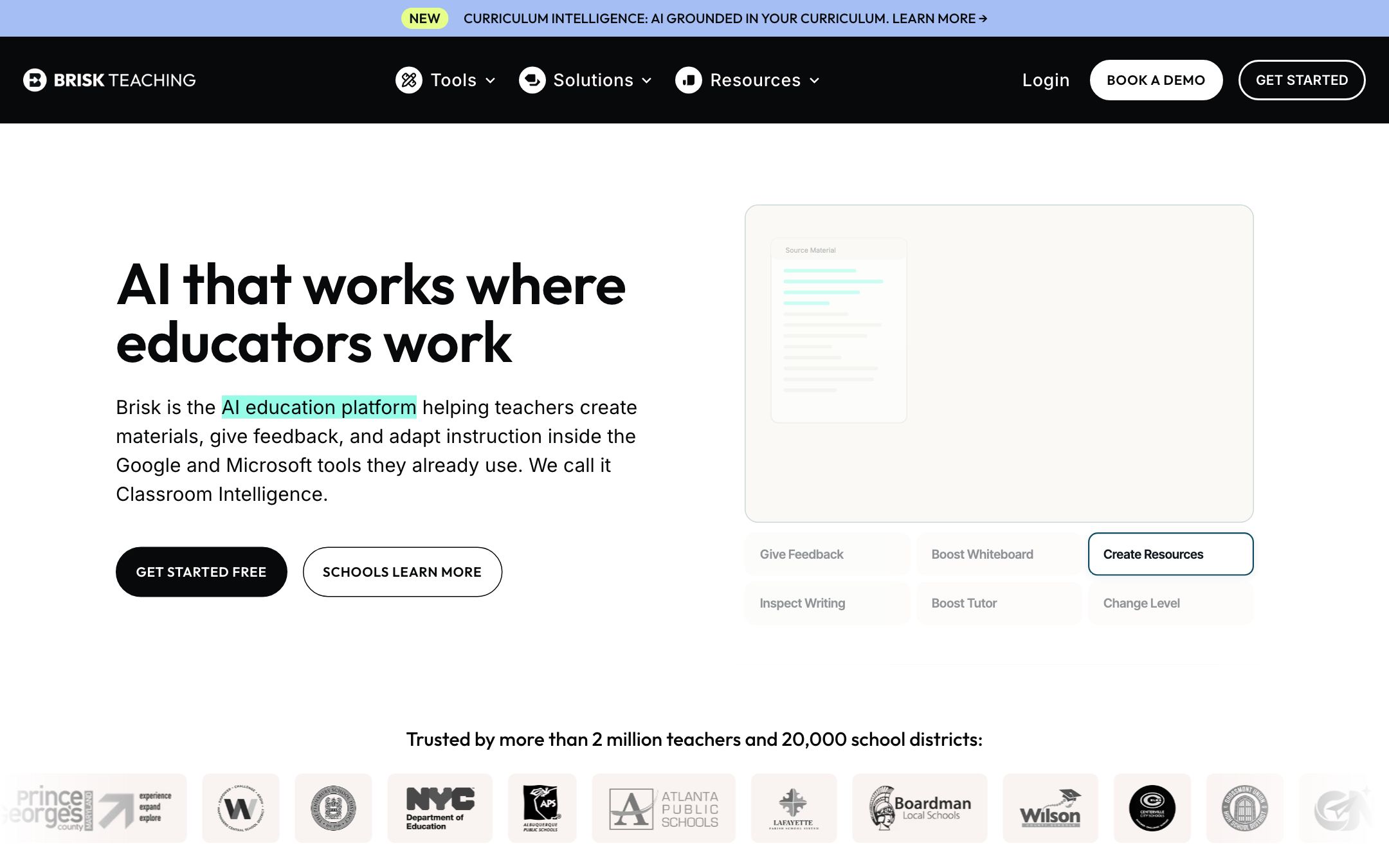
★Classroom Intelligence — AI that lives inside the Google and Microsoft tools you already use, plus a web app for cross-class planning and batch feedback.
TL;DR
Brisk turned the browser into a teaching surface and quietly grew into "Classroom Intelligence" — the same instant feedback / leveling / quiz extension now runs across Google AND Microsoft, with a dedicated web app (Brisk Next) for batch feedback and cross-class planning. With a 93% Common Sense Privacy Rating, SOC 2 Type II, and signed DPAs in 25 states, it's the rare AI tool that survives district IT review on the first pass.
Recommend it if
Your daily workflow is Google Docs/Slides/Classroom or Microsoft 365 with Edge, you grade essays inline, or you regularly turn web articles and YouTube videos into leveled student materials.
Skip it if
You're on Safari or Firefox (no extension), your district hasn't approved Chrome or Edge extensions on managed devices, or you specifically need a non-extension all-web tool.
Quick facts
- Platforms
- Chrome extensionEdge extensionWeb app
- Languages
- EnglishSpanishFrench50+ output languages
- School fit
- K-5 6-8 9-12 Higher Ed
- Subjects
- All literacy-heavy subjects
- Time to first output
- < 1 min
- Learning curve
- Easy
- Setup
- Install the Chrome or Edge extension; sign in with Google OAuth or Magic Link email
- Works offline
- —
Real-world use cases
How a teacher, student or parent actually puts this tool to work.
| Who | Scenario | Time | Output |
|---|---|---|---|
| Teachers | Open any New York Times article — Brisk drafts a passage at three reading levels plus comprehension questions, optionally translated into Spanish for ELL students. | 3 min | 3 leveled passages + quiz, with translation |
| Teachers | Upload a folder of 30 student essays into Brisk Next — Batch Feedback runs rubric-aligned comments across all of them and surfaces classwide strengths and gaps in one report. | 8 min | 30 essays with per-criterion feedback + classwide insights |
| Teachers | Paste a YouTube lecture into the Edge extension — Brisk generates a PowerPoint deck plus a 10-question Google Forms quiz from the transcript, all in your district's preferred language. | 4 min | PowerPoint deck + Google Forms quiz |
- Teachers
Open any New York Times article — Brisk drafts a passage at three reading levels plus comprehension questions, optionally translated into Spanish for ELL students.
- Time
- 3 min
- Output
- 3 leveled passages + quiz, with translation
- Teachers
Upload a folder of 30 student essays into Brisk Next — Batch Feedback runs rubric-aligned comments across all of them and surfaces classwide strengths and gaps in one report.
- Time
- 8 min
- Output
- 30 essays with per-criterion feedback + classwide insights
- Teachers
Paste a YouTube lecture into the Edge extension — Brisk generates a PowerPoint deck plus a 10-question Google Forms quiz from the transcript, all in your district's preferred language.
- Time
- 4 min
- Output
- PowerPoint deck + Google Forms quiz
Brisk turned the browser into a teaching surface and quietly grew into Classroom Intelligence. The same instant-feedback / change-levels / generate-quiz extension now runs across Google AND Microsoft (Chrome + Edge), and a dedicated web app called Brisk Next handles the work that doesn’t fit inside one document — Batch Feedback across an entire assignment, classwide insights, multi-resource bundles.
The 93% Common Sense Privacy Rating and signed DPAs in 25 states make this one of the few AI tools that clears district IT review on the first pass.
Standout workflows
- Paste any web article URL → Brisk drafts a leveled passage at three grade levels + comprehension questions, optionally translated.
- Open Brisk Next → drop in 30 student essays → Batch Feedback produces per-criterion comments + a classwide insights report.
- Open a YouTube lecture in Edge → Brisk generates a PowerPoint deck + a Google Forms quiz from the transcript.
What we like
- + Now runs in both Google Workspace AND Microsoft 365 — Chrome and Edge extensions, Slides and PowerPoint generation
- + 93% Common Sense Privacy Rating — the highest among AI tools for educators, per Common Sense Education
- + Brisk Next web app adds batch feedback across a folder of student work, classwide insights, and multi-material generation beyond the extension
- + SOC 2 Type II + signed National Data Privacy Agreement with 25 US states — survives district IT review on first pass
- + Free tier has 20+ tools with unlimited usage; covers most teacher workflows for months
Heads up
- − All paid pricing (Premium and Intelligence) is "Contact for quote" — no public per-teacher figure on the main plans page
- − Chrome and Edge only — no Safari, no Firefox; managed Chromebooks still need IT to whitelist the extension
- − Microsoft integration is newer than Google; the deepest workflows remain in Docs/Slides
- − Top-end Intelligence tier requires a curriculum intake — slow start (weeks) for the curriculum-aligned features
Pricing breakdown
Pricing
Verified directly on the vendor site. We re-check every quarter.
Educator Free
- · Chrome and Edge extension in Docs, Slides, YouTube and your LMS
- · 20+ creation tools, standard AI model
- · Brisk Next smart content hub (web app)
- · Glow & Grow / Next Steps / Rubric Criteria feedback
- · Linked sources — see where generated content comes from
- · Unlimited usage
Premium
Most useful- · 35+ tools with Turbo (advanced) language model
- · Batch Feedback + classwide Batch Feedback insights
- · Targeted Feedback Generator, Rubric Scoring in Feedback
- · Brisk Boost — safe, teacher-guided AI activities for students
- · District admin dashboard, Admin Tool Manager, rostering
- · Custom data-privacy agreements, dedicated CSM, personalized PD
Intelligence
- · Everything in Premium
- · Curriculum Intelligence — outputs aligned to your adopted curriculum
- · Pacing and scope & sequence built into every tool
- · District Guidelines — local compliance and pedagogy in every output
- · Curriculum-informed insights and gap analysis for leaders
- · White-glove onboarding with curriculum intake
Privacy & compliance
Privacy & compliance
What we found in the vendor's terms, DPA, and trust center. Verify with your district before deploying.
- FERPA
- Compliant
- SOC 2
- Compliant
- COPPA
- Compliant
- GDPR
- Compliant
- Trains on your data
- No
- Data retention
- Student work and document content not stored on Brisk servers after a task completes. Sessions auto-logout after 30 days of inactivity.
- Hosting regions
- US · EU · Canada
93% Common Sense Privacy Rating (highest among AI tools for educators). 1EdTech Data Privacy Certification + TrustEd Apps Seal. Signed the National Data Privacy Agreement with 25 US states (as of November 2025). Brisk only activates when a teacher chooses to use it — does not track browsing or read other tabs.
Works with
- Google Docs
- Google Slides
- Google Classroom
- Google Forms
- Microsoft 365 (Word, PowerPoint)
- YouTube
- Chrome browser
- Edge browser
Frequently asked questions
Frequently asked questions
Does Brisk really work with Microsoft Word and PowerPoint now?
Yes. As of the 2025 rebrand to "Classroom Intelligence", Brisk runs as an Edge extension in addition to Chrome, and Presentation Maker generates PowerPoint decks alongside Google Slides. Deep Docs workflows are still more polished than Word, but Microsoft 365 districts are no longer blocked.
What's Brisk Next versus the extension?
The extension lives inside your documents — highlight a passage, get an output. Brisk Next is a dedicated web app for work that doesn't fit inside one document — Batch Feedback across an assignment, bundling multiple resources for a unit, browsing your creation history. Both are included on Free.
How do the three plans compare?
Educator Free is fully usable for an individual teacher — 20+ tools, unlimited use, standard model. Premium (Schools & Districts, custom pricing) unlocks 35+ tools, Turbo model, Batch Feedback insights, Brisk Boost for students, admin dashboard and custom DPA. Intelligence (Districts, custom pricing) adds Curriculum Intelligence — outputs aligned to your adopted curriculum and pacing.
Will it work on my school's locked-down Chromebooks?
Only if your district admin whitelists the Brisk extension in the Google Admin console. Most district admins approve it quickly after reviewing the privacy materials — Brisk has signed DPAs in 25 states, a TrustEd Apps Seal, and a 93% Common Sense Privacy Rating, which usually clears IT review on the first pass.
What is Brisk Boost?
A teacher-controlled student-facing AI surface. Teachers set up Boost activities (e.g. instant writing feedback) and students access them through their own Chrome extension or a teacher-shared link. Available on Premium and Intelligence plans, with optional school-hours access controls for admins.
Tags
You might also like
When to pick it
MagicSchool AI
★Lesson Planning
All-in-one AI workspace built for K-12 teachers — 80+ tools in one tab.
You'd rather work in a dedicated dashboard than inside Docs / Word; or your district wants a generator-heavy suite without browser extensions.