Helperbird
Cross-browser accessibility extension with 30+ reading and writing tools — OpenDyslexic and Lexend fonts, text-to-speech in 30+ languages, voice typing, OCR.
TL;DR
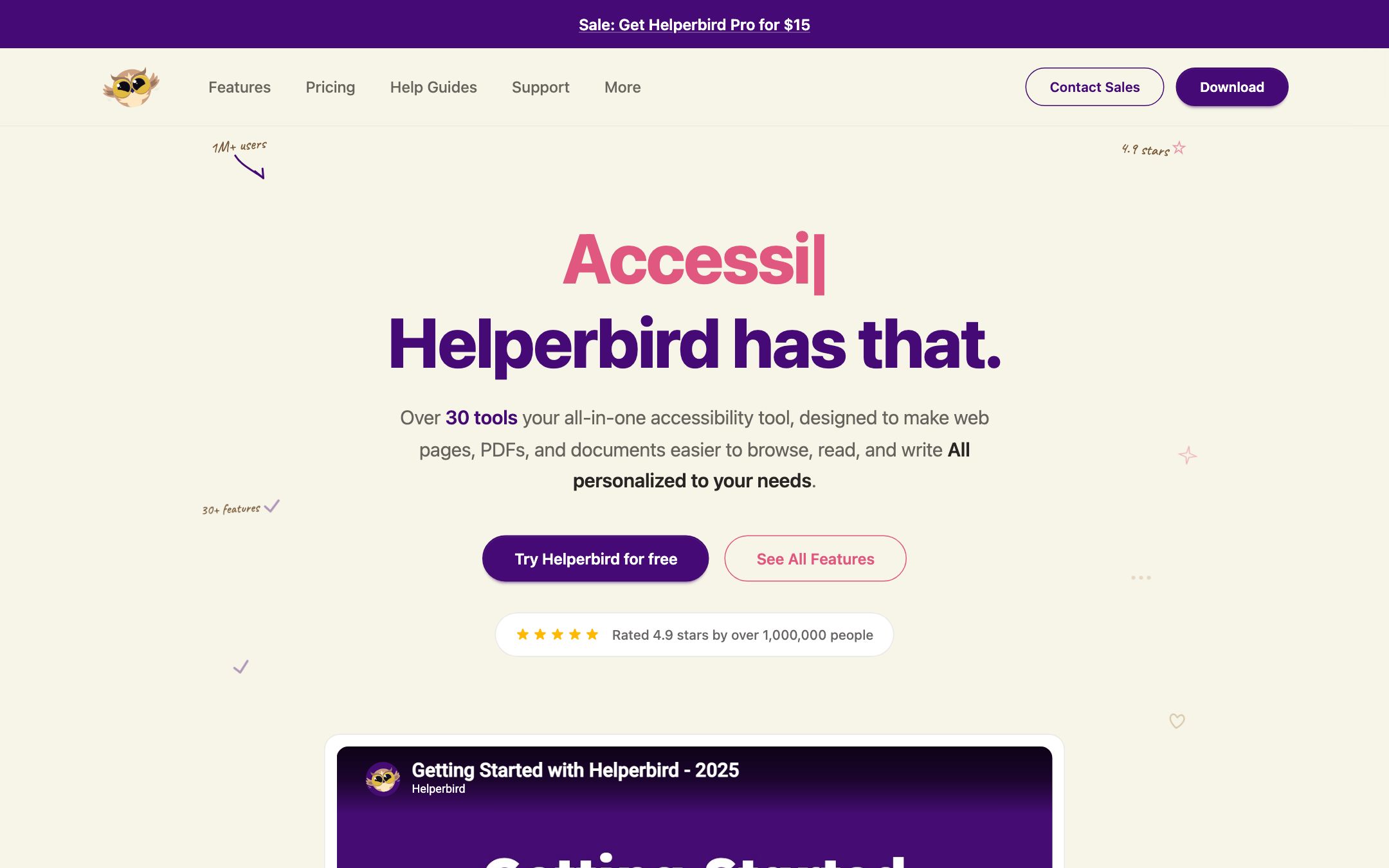
Helperbird is the indie cousin of Read&Write — a single-developer-run accessibility extension that quietly grew to 1M+ users and 4.9 stars. Its differentiator is being genuinely cross-browser (Chrome, Edge, Firefox, Safari) with 30+ tools in one place, from OpenDyslexic font swaps to OCR to voice typing. The free tier is enough to live on for daily reading support.
Recommend it if
You support dyslexic or ELL learners and want one extension that follows the student across browsers, your school is mixed-browser (so a Chrome-only tool like Mote leaves gaps), or you need a flat $1,500/year building license for AT.
Skip it if
Your school is fully on Google Workspace and you need deeper LMS integration than a stand-alone extension (look at Mote), or you need a SOC 2 / large-vendor procurement story.
Quick facts
- Platforms
- ChromeEdgeFirefoxSafari
- Languages
- English UI; text-to-speech in 30+ languages
- School fit
- K-5 6-8 9-12 Higher Ed Adult / PD
- Subjects
- All — strongest for reading/writing-heavy subjectsELL classroomsSPED
- Time to first output
- < 5 min
- Learning curve
- Easy
- Setup
- Install the extension in any major browser; log in with a browser email
- Works offline
- —
Real-world use cases
How a teacher, student or parent actually puts this tool to work.
| Who | Scenario | Time | Output |
|---|---|---|---|
| Students | A dyslexic 6th-grader opens any homework webpage, switches the font to OpenDyslexic with one click and turns on a reading ruler — the page becomes readable without copy-pasting into a separate TTS app. | < 1 min setup | Independent reading session in the student's preferred browser |
| Teachers | ELL teacher gives students a scanned worksheet — Helperbird OCR pulls the text, Read Aloud plays it in the student's home language, the student types responses back via voice typing. | 5 min per worksheet | Scanned content made accessible for both reading and writing |
| Parents | Parent of a dyslexic high-schooler installs Helperbird on the family's Safari + Edge devices; the student gets the same font + TTS + reading ruler experience across browsers and devices. | 5 min install per device | Consistent reading experience without forcing the student onto Chrome |
- Students
A dyslexic 6th-grader opens any homework webpage, switches the font to OpenDyslexic with one click and turns on a reading ruler — the page becomes readable without copy-pasting into a separate TTS app.
- Time
- < 1 min setup
- Output
- Independent reading session in the student's preferred browser
- Teachers
ELL teacher gives students a scanned worksheet — Helperbird OCR pulls the text, Read Aloud plays it in the student's home language, the student types responses back via voice typing.
- Time
- 5 min per worksheet
- Output
- Scanned content made accessible for both reading and writing
- Parents
Parent of a dyslexic high-schooler installs Helperbird on the family's Safari + Edge devices; the student gets the same font + TTS + reading ruler experience across browsers and devices.
- Time
- 5 min install per device
- Output
- Consistent reading experience without forcing the student onto Chrome
Helperbird is the indie cousin of Read&Write — a single-developer-run accessibility extension that quietly grew to 1M+ users and 4.9 stars, with B2B logos including Uber, Harvard and Microsoft. The differentiator over more LMS-coupled tools like Mote is that Helperbird is genuinely cross-browser: Chrome, Edge, Firefox AND Safari, all running the same 30+ tools.
The free tier alone is enough to live on for daily reading support — OpenDyslexic font swaps, reading rulers, color overlays, basic Read Aloud. Pro ($30/year) unlocks OCR, premium TTS voices, voice typing and the heavier writing-assistance tools.
Why a teacher or parent picks Helperbird
- The student uses Safari on a personal iPad and Chrome at school — Helperbird follows them
- You support a class of dyslexic or ELL learners and need OpenDyslexic + Lexend + reading rulers without buying separate apps
- Your school can budget $1,500/year for a single building AT license but can’t justify per-seat Read&Write pricing
What we like
- + Genuinely cross-browser — runs as the same extension on Chrome, Edge, Firefox AND Safari
- + 30+ tools in one extension — Immersive Reader, dyslexia fonts, TTS in 30+ languages, voice typing, word prediction, OCR, color overlays, reading rulers
- + Vendor reports 1M+ users and 4.9 stars; B2B logos include Uber, Harvard and Microsoft
- + Free tier covers the daily-use AT tools (dyslexia fonts, reading rulers, basic TTS)
- + School/Business license is a flat $1,500/year — predictable price for whole-building AT
Heads up
- − The free tier intentionally leaves the heavier features (OCR, premium voices, advanced writing tools) behind Pro
- − Pricing changes per region and promo — $30/year list price is sometimes discounted to $15 (Black Friday vibe)
- − Single-developer-run for years; great support story, but smaller team than Read&Write or Mote
- − No native LMS dashboard — usage analytics for admins are limited compared to dedicated school AT tools
Pricing breakdown
Pricing
Verified directly on the vendor site. We re-check every quarter.
Free
- · Dyslexia-friendly fonts (OpenDyslexic, Lexend)
- · Reading rulers, color overlays
- · Basic text-to-speech voices
- · Browser extension on Chrome, Edge, Firefox, Safari
Pro
Most useful- · All 30+ accessibility tools
- · Premium voices for text-to-speech in 30+ languages
- · OCR for scanned PDFs and images
- · Voice typing, word prediction, advanced writing tools
- · Annotations, highlighter, dictionary, translation
Schools / Business
- · Flat-rate license for the whole school or business
- · All Pro features for staff and students
- · Admin email support
Enterprise
- · Custom volume pricing
- · Procurement and onboarding support
Privacy & compliance
Privacy & compliance
What we found in the vendor's terms, DPA, and trust center. Verify with your district before deploying.
- FERPA
- Unclear
- SOC 2
- Unclear
- COPPA
- Unclear
- GDPR
- Unclear
- Trains on your data
- Unclear
- Data retention
- Not disclosed on the homepage.
- Hosting regions
- US · EU · UK · AU
Helperbird is sold as a personal accessibility extension and does not publish explicit FERPA / COPPA / SOC 2 attestations on the marketing site. For school deployments, ask the vendor ([email protected]) for a privacy statement and DPA before procurement. The extension processes page content client-side or via the user's chosen AI provider (per vendor); confirm details for your district.
Works with
- Chrome browser
- Edge browser
- Firefox browser
- Safari browser
- Google Docs (voice typing, word prediction)
- Gmail
- PDFs (OCR + Read Aloud)
Frequently asked questions
Frequently asked questions
Does Helperbird really work on Safari and Firefox?
Yes. Unlike Mote (Chrome + Edge only) or Brisk Teaching (Chrome + Edge only), Helperbird ships extensions for Chrome, Edge, Firefox AND Safari. This matters for households on Apple devices or schools that haven't standardized on Chrome.
What's the difference between Free and Pro?
Free covers the daily-use accessibility tools — dyslexia fonts, reading rulers, color overlays, basic TTS. Pro ($30/year) unlocks the heavier features — OCR for scanned PDFs, premium TTS voices in 30+ languages, voice typing, word prediction, advanced annotations. For a whole school, the $1,500/year flat-rate license usually wins over per-user Pro pricing.
Is Helperbird FERPA / COPPA compliant?
The marketing site doesn't publish explicit FERPA / COPPA attestations the way Mote or Brisk Teaching do. If you're procuring for a school district, contact [email protected] directly for a privacy statement, DPA and confirmation of data handling. The extension can be configured to process content locally or via your chosen AI provider per the vendor.
How does it compare to Read&Write by Texthelp?
Helperbird is the indie / cheap alternative. Read&Write is the enterprise AT incumbent (per-user pricing, strong procurement support, deeper LMS dashboards). Helperbird is a fraction of the cost, simpler to install for individuals, and broader in browser support — at the cost of less institutional procurement polish.
Is the OpenDyslexic font actually effective?
Research is mixed — some studies show small reading-speed improvements for dyslexic readers, others show no significant effect over a well-designed sans-serif like Lexend. Helperbird ships both fonts and lets the student switch; the right answer is usually "let the learner decide what feels readable".
Tags
You might also like
When to pick it
Mote
Chrome Extensions
Assistive-tech sidebar — Read Aloud with human voices, translate to 60+ languages, voice notes and text prediction — for inclusive Google and Canvas classrooms.
You're fully on Google Workspace and want deeper Read Aloud / Translate integration inside Google Docs and Forms.
Speechify
Special Education / IEP
Turn any PDF, web page or photo of a worksheet into natural-voice audio — built for dyslexia.
You only need premium TTS and don't need writing-assistance tools or OCR.